StaffPro Mobile App
Authentication and App
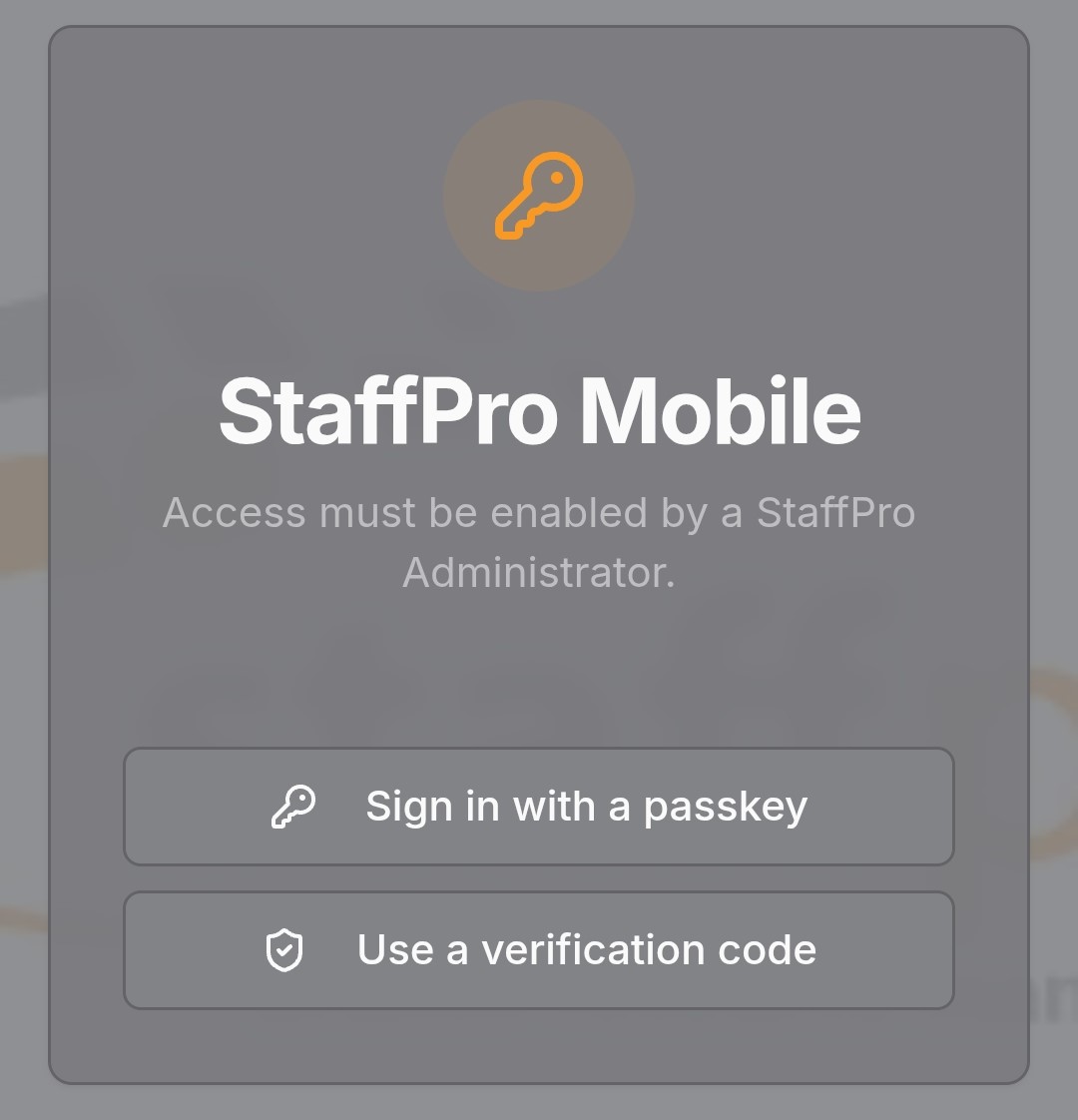
StaffPro Mobile uses an independent authentication path so that Employees do not have to be defined as Users in the StaffPro cloud-hosted application. Authentication supports passkeys and email code verification, with passkeys recommended.
The app works on Andoid and Apple devices, and is a PWA (Progressive Web App) so is not downloaded from Google Play or the Apple Store. It runs as a Chrome/Safari browser page, but can be converted to an "app" on both Android and Apple through the Add To Home functionality.
Employee Weekly Schedules
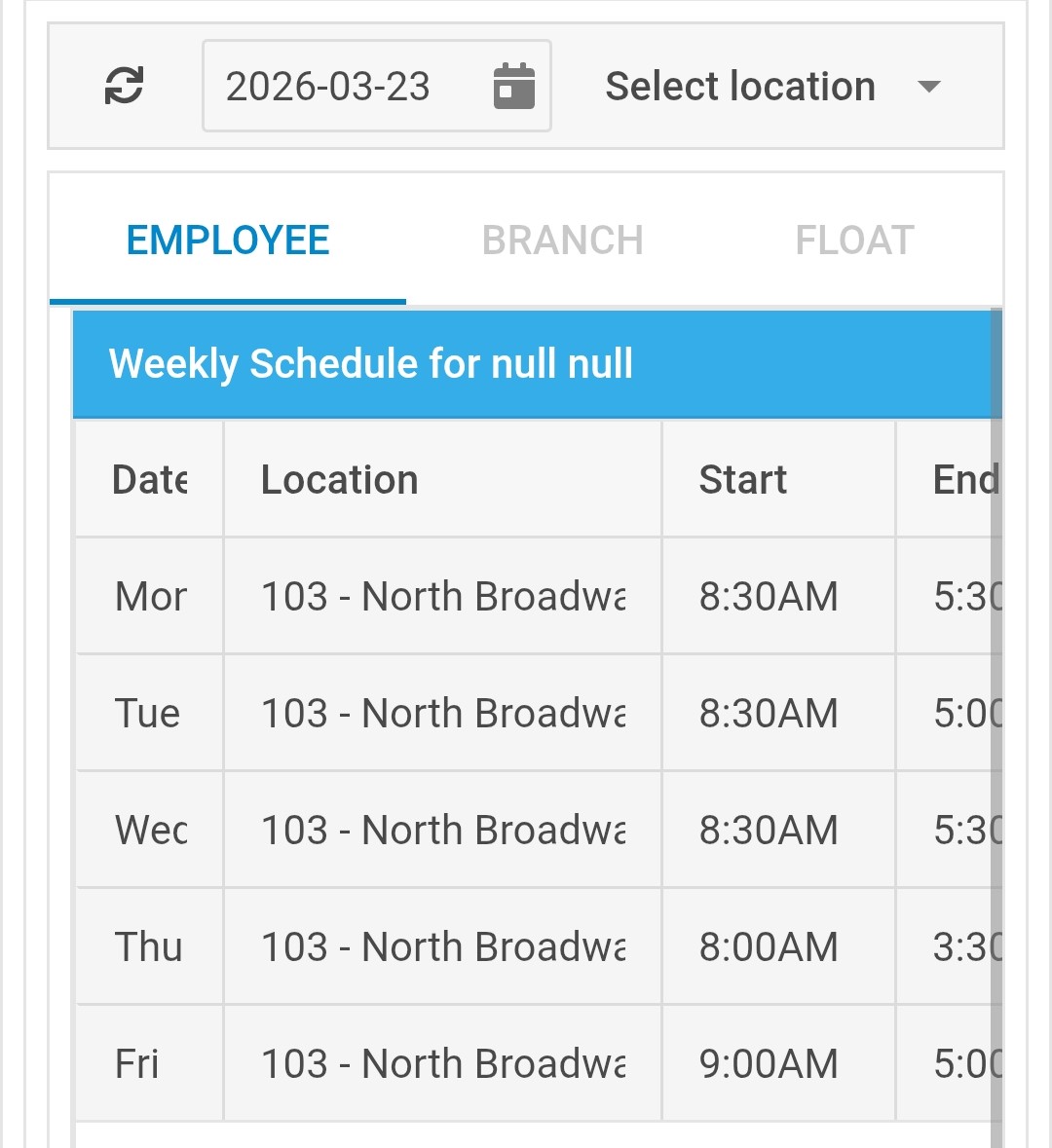
Mobile users who are defined as Employees in StaffPro and have mobile access granted, can view weekly individual schedules. The app supports specifying a date in the future or past to see the employee's schedule at all locations for the week, so the employee does not select a branch.
Branch Weekly Schedules
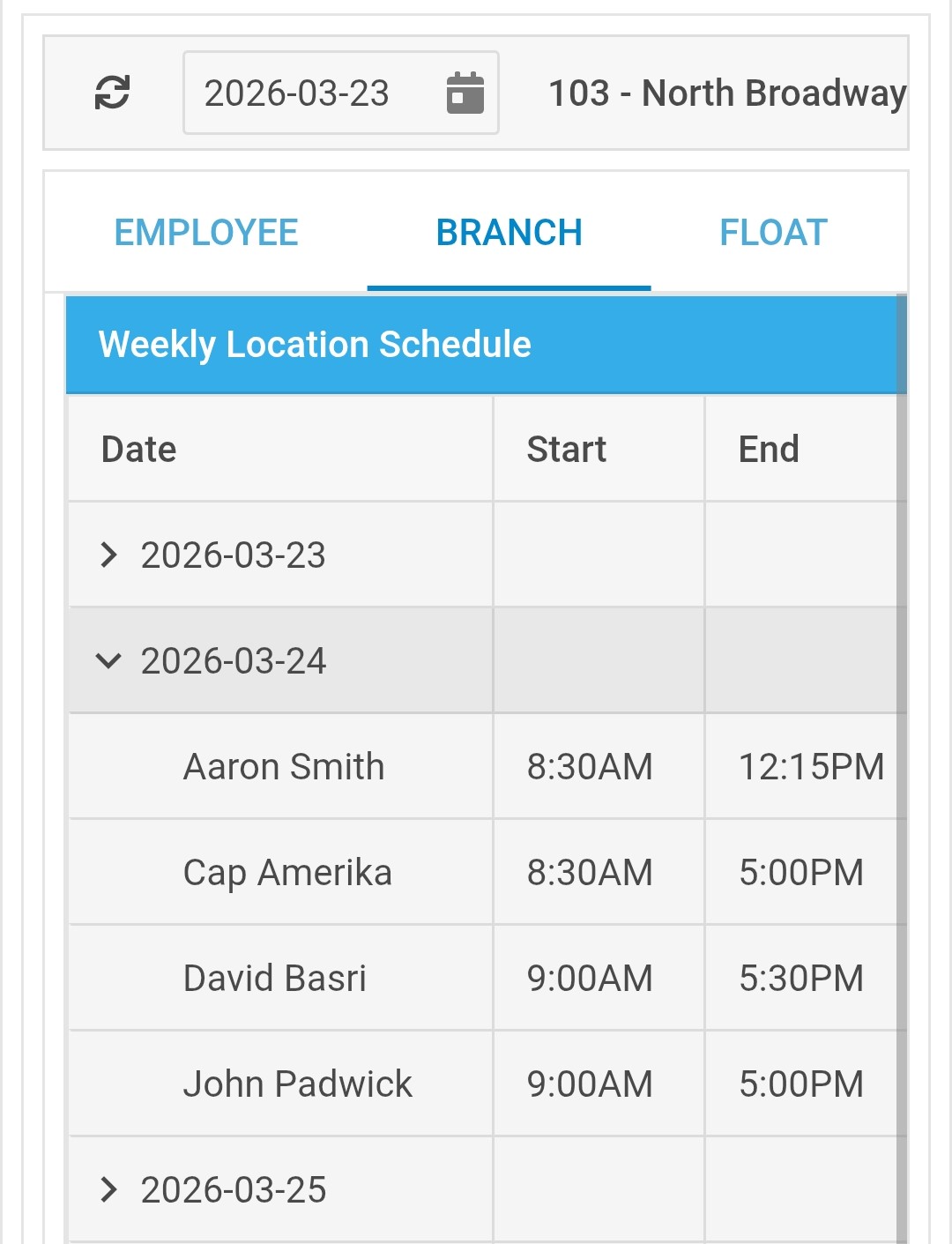
Mobile users who are defined as Users who can log into in StaffPro and have access granted for this mobile feature, can view weekly branch schedules. The app supports specifying a date and selecting a branch in the future or past to see the schedule for all employees scheduled at that branch during the week.
Branch Float Requests
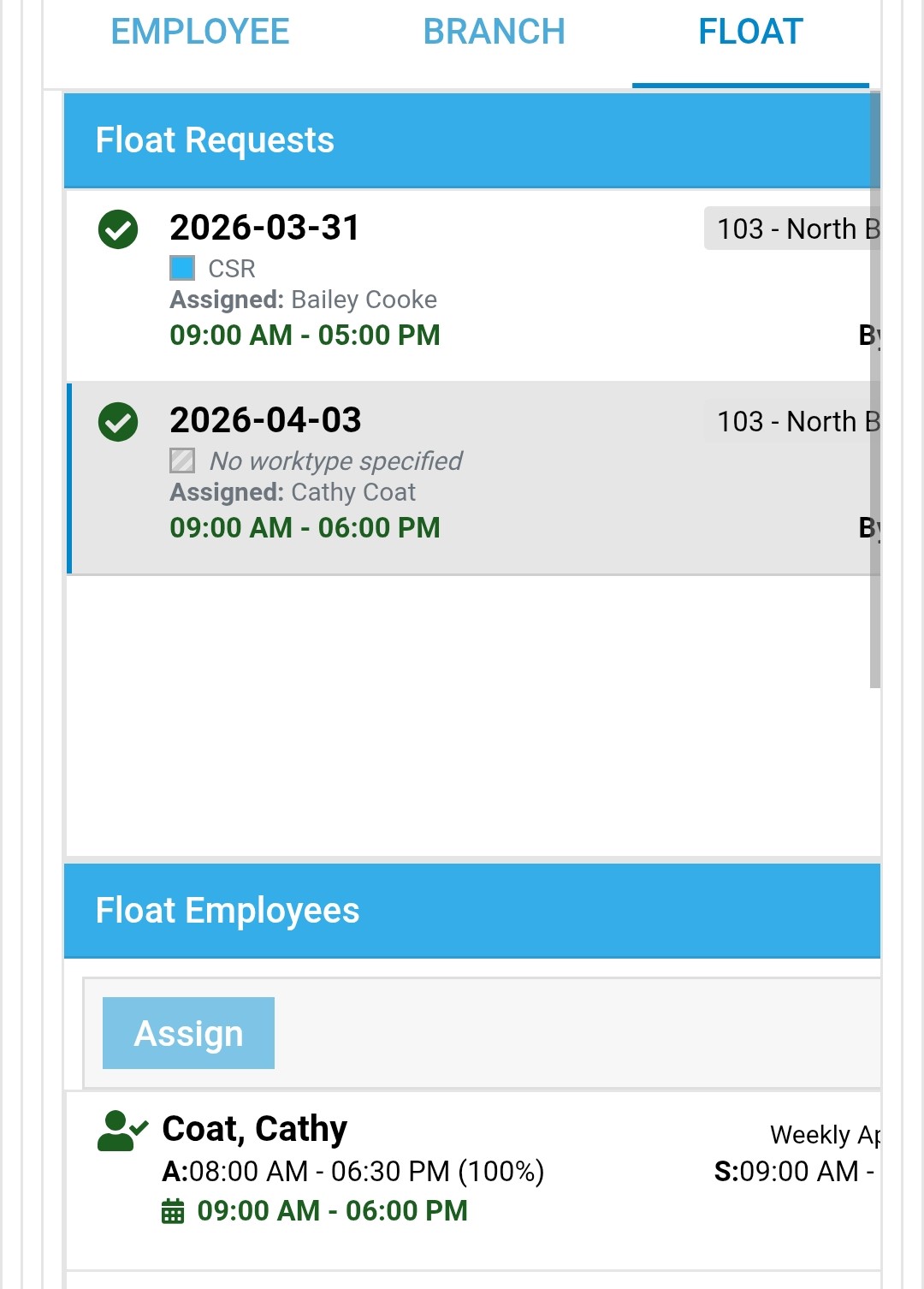
Mobile users who are defined as Users who can log into in StaffPro and have access granted for this mobile feature, can view and reassign weekly branch float requests. The app supports specifying a date and selecting a branch in the future or past to see requests. When a specific request is selected the app display all possible float employees and allows reassignment. The lists are similar to the requests lists in the Float Management page in StaffPro.