StaffPro Mobile App Released

StaffPro Mobile Overview
The StaffPro mobile app provides managed access to StaffPro for Users and/or Employees who are set up for access in the main StaffPro application. It is compatible with Android or Apple devices and can run on laptops or computers as a standard browser page.
Authentication
Authentication uses a completely different path from normal login to the full StaffPro application. Mobile users do not log into mystaffpro.com to access StaffPro. Instead, the app supports authentication through either a passkey or email code verification. Creating a passkey is recommended, more secure and requires fewer steps. There are legitimate reasons to use code verification such as one-time use on a borrowed device, a tablet or computer without biometric identification, etc.
Normally only those set up as Users can log into mystaffpro.com and access StaffPro. The mobile app provides a way for every branch employee to be able to see their individual schedule without having to set each one up as a User.
Installation
StaffPro Mobile is a PWA (Progressive Web App) not a native app, so it is not downloaded from Google Play or the Apple Store. Installing it as an app is similar for Android and Apple devices. Initially, it is accessed by navigating to https://mobile.mystaffpro.com/ in Chrome or Safari. The app is fully functional as a browser page, but both Android and iOS provide a function to “Add to Home” or something similar. The precise method varies depending on the device brand, model and OS version, but it is something similar to that. Generally, the “Add to Home” function is accessed from the ellipsis menu at the top of the browser tab.
Once StaffPro Mobile is converted to an app the icon can be organized like any other app. When launched as an app the pages will without browser menus and controls.
Features
There are three functions currently available, with more expected to be added in the future.
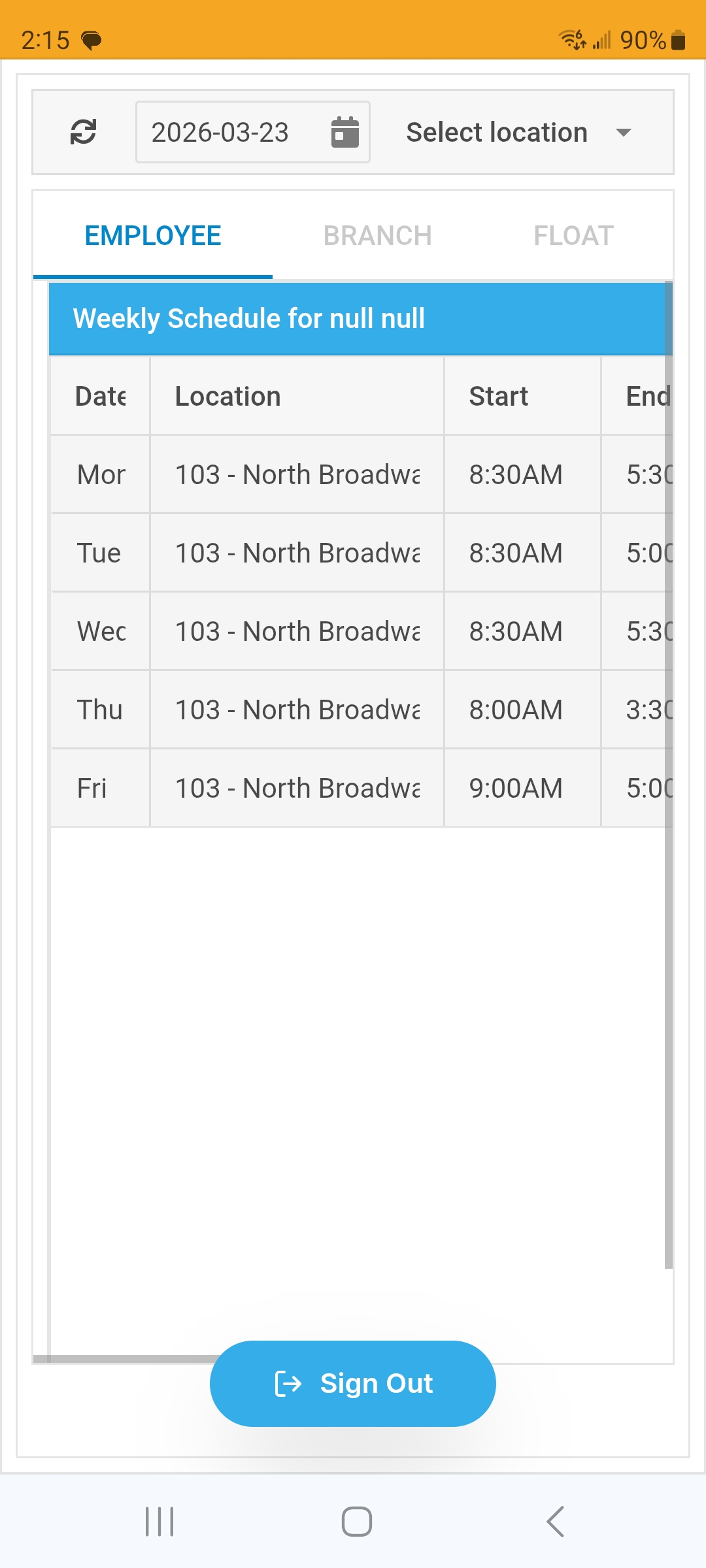
- Employee weekly schedules. If a mobile user is defined as an Employee in StaffPro they can view their individual weekly schedules for a selected week.
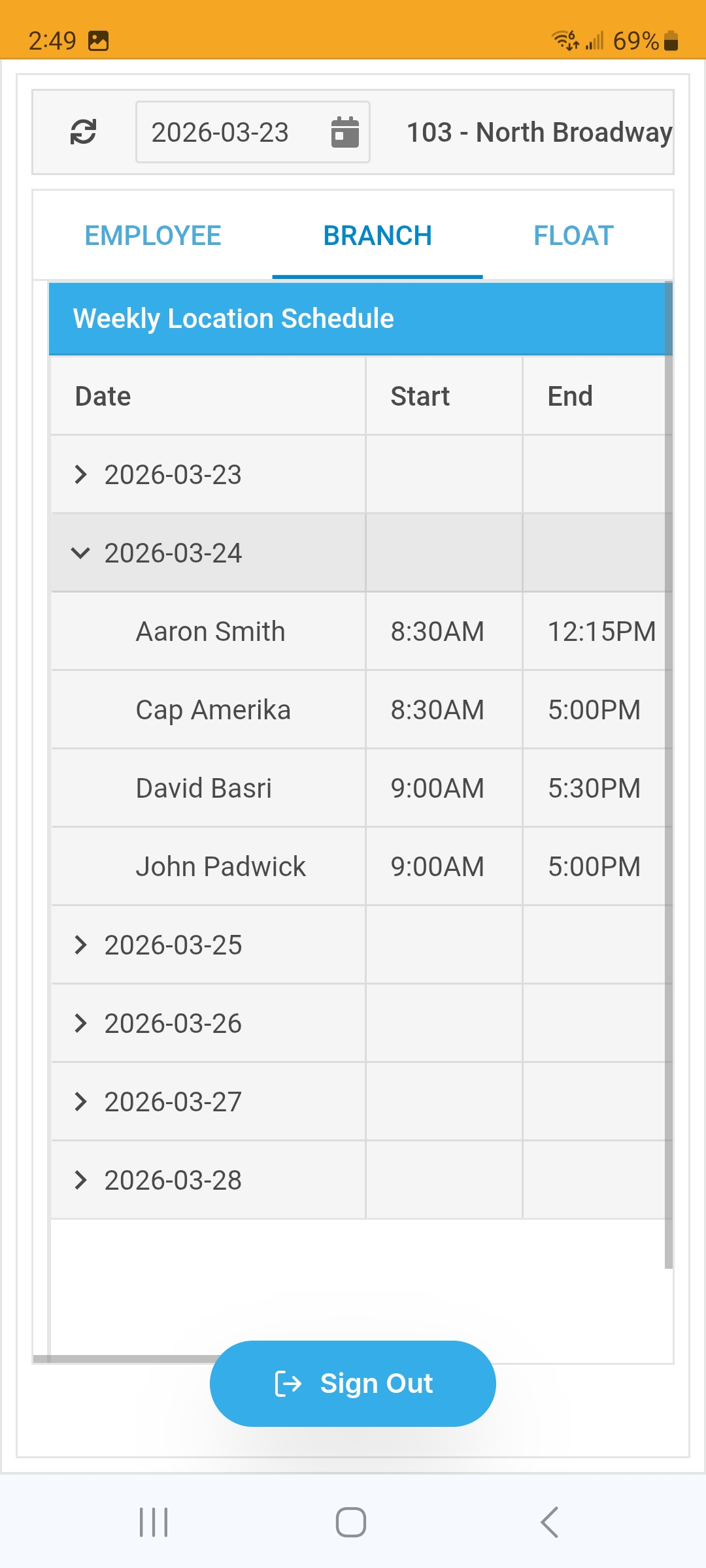
- Branch weekly schedule. If a mobile user is defined as an User in StaffPro and has security access, they can view entire branch schedules for a selected week and branch.
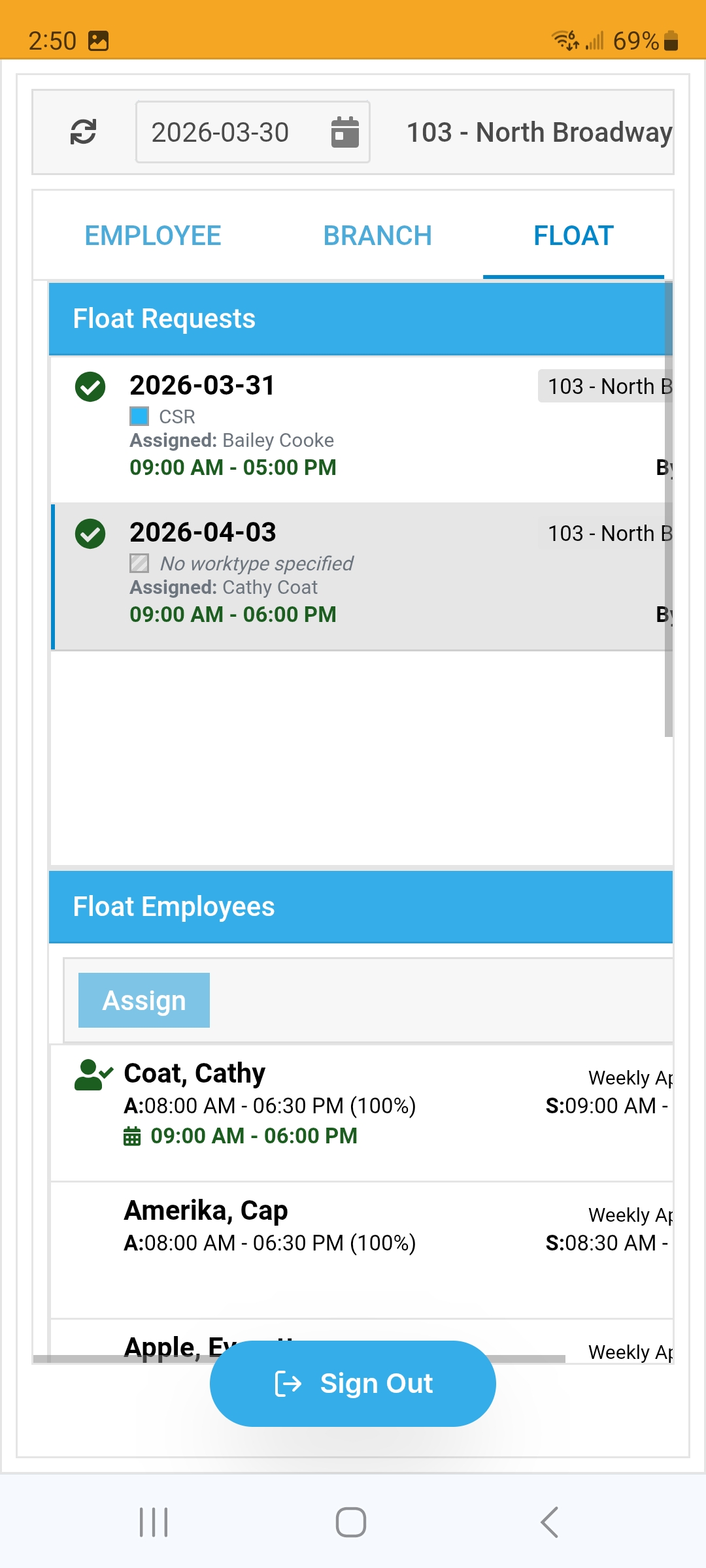
- Float. If a mobile user is defined as an User in StaffPro and has security access, they can view and optionally reassign branch float requests for a selected week and branch.